OverSkill × Airtable Integration
Automate your Airtable workflows and let your data actually work for you.
Here's the thing about Airtable—it's brilliant for organizing pretty much anything. But manually updating records, copying data between bases, and keeping everything in sync? That's where the magic fades fast. You end up spending more time on data entry than on the work that matters.
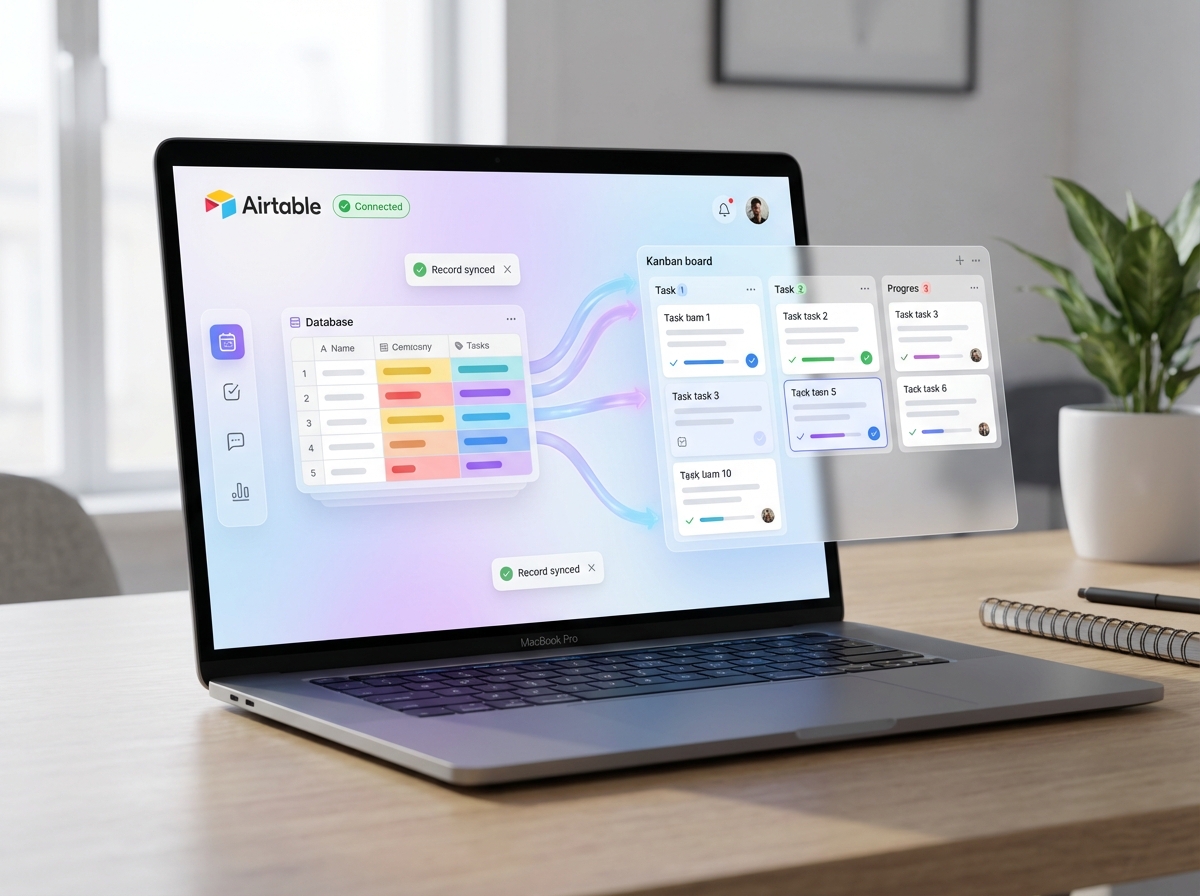
This integration changes the game entirely. Connect your Airtable bases to OverSkill and suddenly your databases become living, breathing systems. Create records automatically when triggers fire. Pull data into your workflows without switching tabs. Update multiple entries in seconds instead of minutes. It's the difference between having a database and actually using one.
Product teams love this for tracking feature requests that flow straight from customer feedback. Marketing folks use it to manage campaign assets without the copy-paste marathon. And operations teams? They're building automated inventory systems that would've taken months to set up the old way.
If you've ever thought "I wish Airtable could just do this automatically"—now it can.
What You Can Do with Airtable
Pull Your Data Exactly When You Need It
Stop digging through endless spreadsheets to find what you're looking for. Query your Airtable bases on demand and get the exact records you need—filtered, sorted, and ready to use. It's like having a personal assistant who actually remembers where everything is.
Perfect for pulling client lists before a meeting or grabbing inventory counts without opening another tab.
Create Records Without the Copy-Paste Dance
You know that tedious workflow where you're copying data from one place and manually entering it into Airtable? Yeah, that's over now. Automatically spin up new records whenever something happens in your other tools—new form submission, incoming email, whatever triggers make sense for you.
Think: A new lead comes in through your website, and boom—they're already in your CRM base with all their details.
Keep Everything in Sync Automatically
Here's the thing about data: it gets stale fast. Update records across your bases whenever information changes elsewhere, so your team's always working with the freshest intel. No more "wait, is this the latest version?" conversations.
Great for updating project statuses when tasks complete in your project management tool.
Build Custom Workflows That Actually Make Sense
Airtable's flexibility is kind of its superpower—and now you can tap into that programmatically. Chain together reads, creates, and updates to build workflows that match how your team actually works, not how some software company thinks you should.
Like automatically creating linked records across multiple tables when onboarding a new client.
Turn Your Bases Into Living Dashboards
Why just store data when you can make it work for you? Pull records into reports, summaries, or notifications that keep stakeholders informed without anyone lifting a finger. Your Airtable bases become the single source of truth that actually tells you things.
Ideal for generating weekly pipeline reports or alerting sales when a deal hits a certain stage.
Batch Updates That Don't Eat Your Whole Afternoon
Got 200 records that need the same status change? Or maybe you need to update pricing across your entire product catalog? Handle bulk operations smoothly instead of clicking through records one by painful one.
Essential when you're updating inventory quantities after a big shipment arrives.
How Airtable Works with OverSkill
Getting your Airtable bases connected to your app takes about two minutes. Seriously—go grab a coffee and you might miss it.
Step 1: Connect Your Airtable Account
Head to your OverSkill dashboard, find Airtable in the integrations list, and click connect. You'll need to grab your API key from Airtable (don't worry, we'll show you exactly where it lives—it's hiding in your account settings under "Developer hub"). Paste it in, hit save, and you're golden.
Behind the scenes: OverSkill encrypts your API key and establishes a secure connection to your Airtable workspace.
Step 2: Choose Your Bases and Tables
Now the fun part. You'll see a list of all your Airtable bases pop up—pick which ones your app should have access to. Want your AI to only see your "Customer Feedback" base but not your "Secret Project Ideas"? Easy. You can get granular here, selecting specific tables and even limiting which fields are readable or editable.
Behind the scenes: OverSkill maps your Airtable schema so your AI understands exactly how your data is structured.
Step 3: Put It to Work in Your App
This is where things get exciting. Your AI can now create records, pull data, update entries, or search across your bases—all through natural conversation. A user asks "What's the status on the Johnson project?" and boom, your app fetches it from Airtable instantly. You decide what triggers what: voice commands, button clicks, scheduled checks, whatever fits your workflow.
Behind the scenes: OverSkill translates plain English requests into precise Airtable API calls, handling all the technical formatting automatically.
Step 4: Set Up Smart Automations (Optional)
Ready to level up? Create rules that run without anyone lifting a finger. New form submission? Automatically add it to your tracking base. Task marked complete? Update the client record and notify your team. You can chain multiple actions together, and Airtable becomes this living, breathing part of your app that just... works.
Behind the scenes: OverSkill monitors your specified triggers and executes multi-step workflows while logging everything for easy debugging.
Frequently Asked Questions
Airtable Integration FAQ
How do I connect my Airtable account to OverSkill?
Super simple! Head to your app settings, find the Integrations tab, and look for Airtable. You'll need to grab your API key from Airtable (it's under Account settings > API), paste it into OverSkill, and you're done. Seriously, it takes maybe 60 seconds. OverSkill handles all the behind-the-scenes complexity so you can skip straight to the good stuff.
What do I need before I can start using the Airtable integration?
Just two things: an Airtable account (free works fine!) and at least one base with some tables set up. That's it. You don't need any special plan or technical knowledge. If you've already been using Airtable to organize projects, track inventory, or manage contacts, you're ready to go. Your existing bases will work perfectly with OverSkill right out of the gate.
What can I actually do with Airtable through OverSkill?
This is where it gets fun. You can create new records, pull existing data, update information, and search across your bases—all without leaving OverSkill. Think about it: automatically log customer interactions to your CRM base, pull product inventory when someone asks about stock, or update project statuses on the fly. One user set up a system where their team's Slack messages automatically populate an Airtable content calendar. The possibilities are honestly kind of endless.
Is there an extra charge for using the Airtable integration?
Nope! The integration is included with your OverSkill plan. Now, Airtable itself does have its own pricing tiers, and if you're on their free plan you'll hit some API rate limits eventually. But connecting the two? That's on us. No hidden fees, no surprise charges.
How secure is my Airtable data when connected to OverSkill?
We take this seriously. Your API key is encrypted and stored securely—we never see your actual data unless you explicitly request an action. All communication happens over HTTPS, and we follow industry-standard security practices. OverSkill only accesses the specific bases and tables you authorize, nothing more. Your data stays yours.
Are there any limits on how much I can use the integration?
There are some guardrails, mostly on Airtable's side. Their API allows 5 requests per second per base, and free accounts have monthly limits. OverSkill is smart about this—we batch requests when possible and queue things up to avoid hitting walls. For most users, you'll never notice. But if you're running a massive operation with thousands of daily records, you might want to check Airtable's rate limit docs.
What should I do if my Airtable connection stops working?
First, don't panic. Usually it's something simple. Check that your API key hasn't expired or been regenerated (this happens if you reset it in Airtable). Verify the base you're trying to access still exists and hasn't been renamed. Still stuck? Try disconnecting and reconnecting the integration—the classic "turn it off and on again" genuinely works here. If problems persist, our support team can dig into the specifics with you.
Can I connect multiple Airtable accounts or workspaces?
You can! Each API key gives access to all bases in that account, but if you're managing separate workspaces (say, one for your business and one for a side project), you can add multiple connections. Just label them clearly so you don't accidentally update your personal recipe database when you meant to update client records. We've... heard stories.
What types of Airtable fields work with the integration?
Pretty much everything. Text, numbers, dates, single and multi-select, attachments, checkboxes, linked records—they all sync properly. The only tricky ones are computed fields (formulas, rollups, lookups) which you can read but not write to directly, since Airtable calculates those automatically. But that's an Airtable thing, not an OverSkill limitation.
Can I automate workflows between Airtable and other apps through OverSkill?
Absolutely, and honestly this is where the magic happens. Combine Airtable with other OverSkill integrations to build workflows that would normally require expensive automation tools. Pull data from Airtable, process it, push results somewhere else. Or trigger Airtable updates based on events from other connected services. Start simple and build up—you'll be surprised how powerful a few connected integrations can be.
Similar Integrations
Ready to Build with Airtable?
Generate your custom app with Airtable integration in minutes. No coding required.